> ## Documentation Index
> Fetch the complete documentation index at: https://craft-support.mintlify.site/llms.txt
> Use this file to discover all available pages before exploring further.
# Change Email Address
> Update the email address associated with your Craft account.
You can change your Craft account email address from your account settings.
## Change Your Email
Click the **Space name** at the top of the sidebar to open Settings.
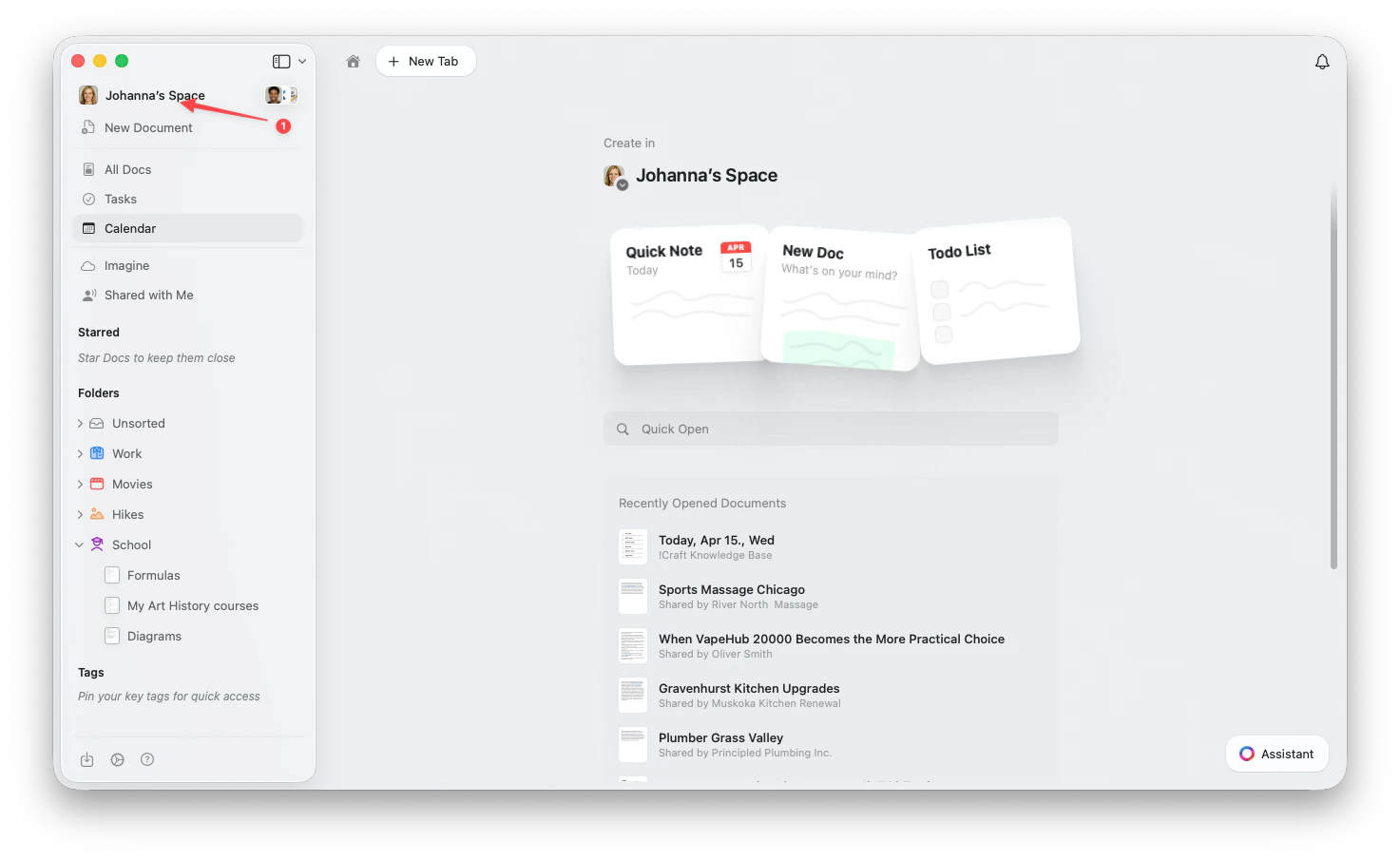 Click the **Space name** in the top-left corner.
Click **Settings** at the bottom of the dropdown.
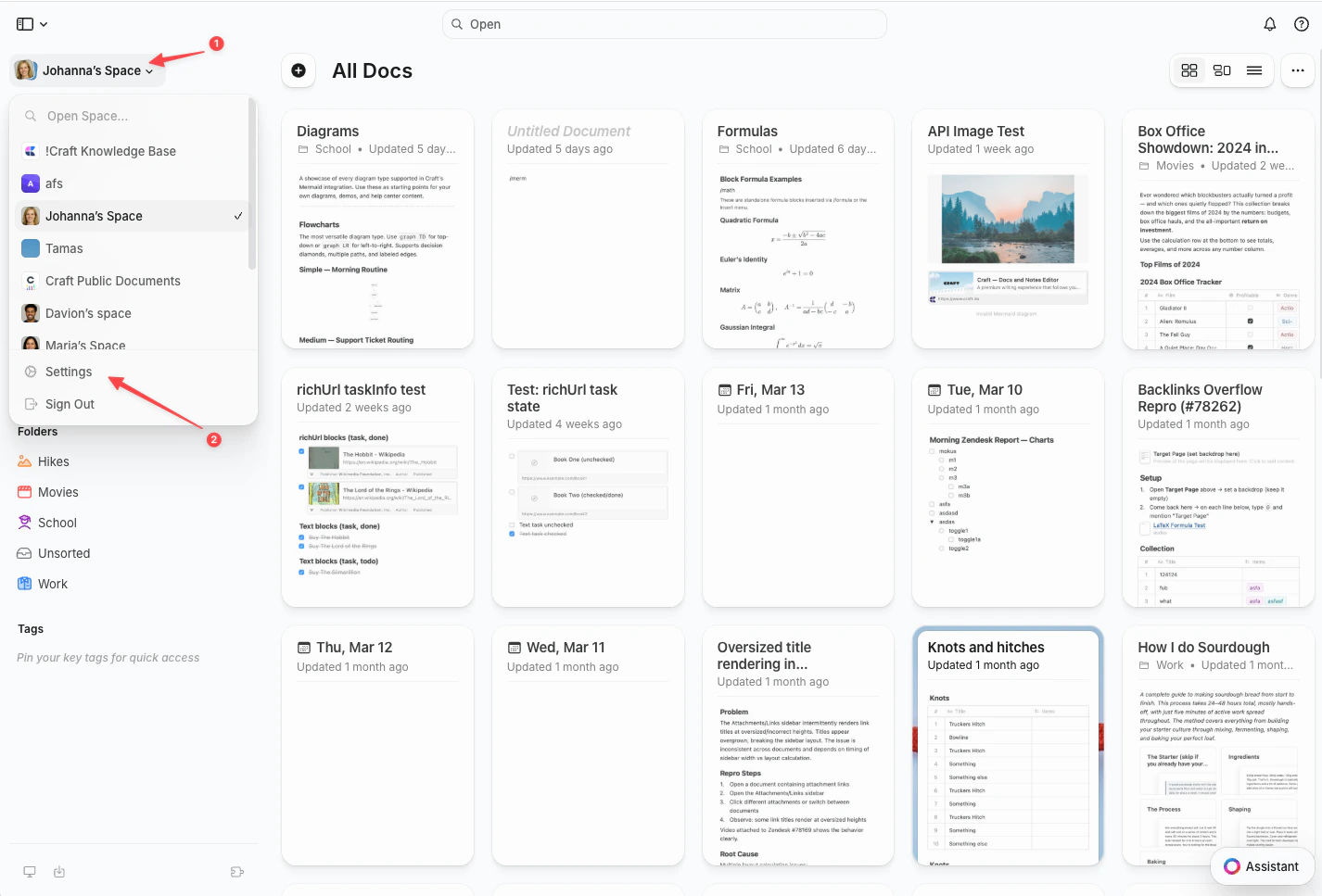
Click the **Space name** in the top-left corner.
Click **Settings** at the bottom of the dropdown.
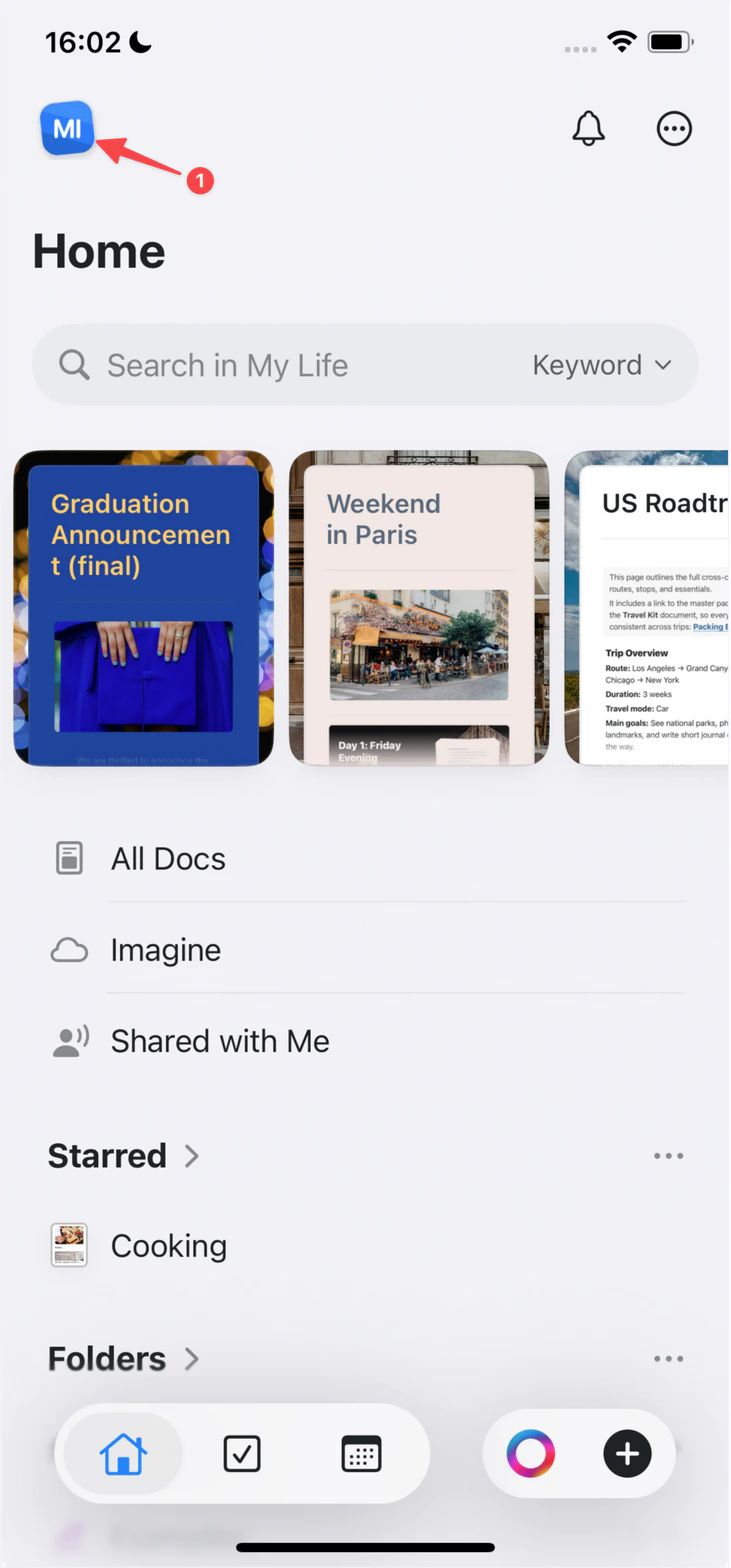
 Tap the **Space icon** in the top-left corner.
 Tap **Settings**.
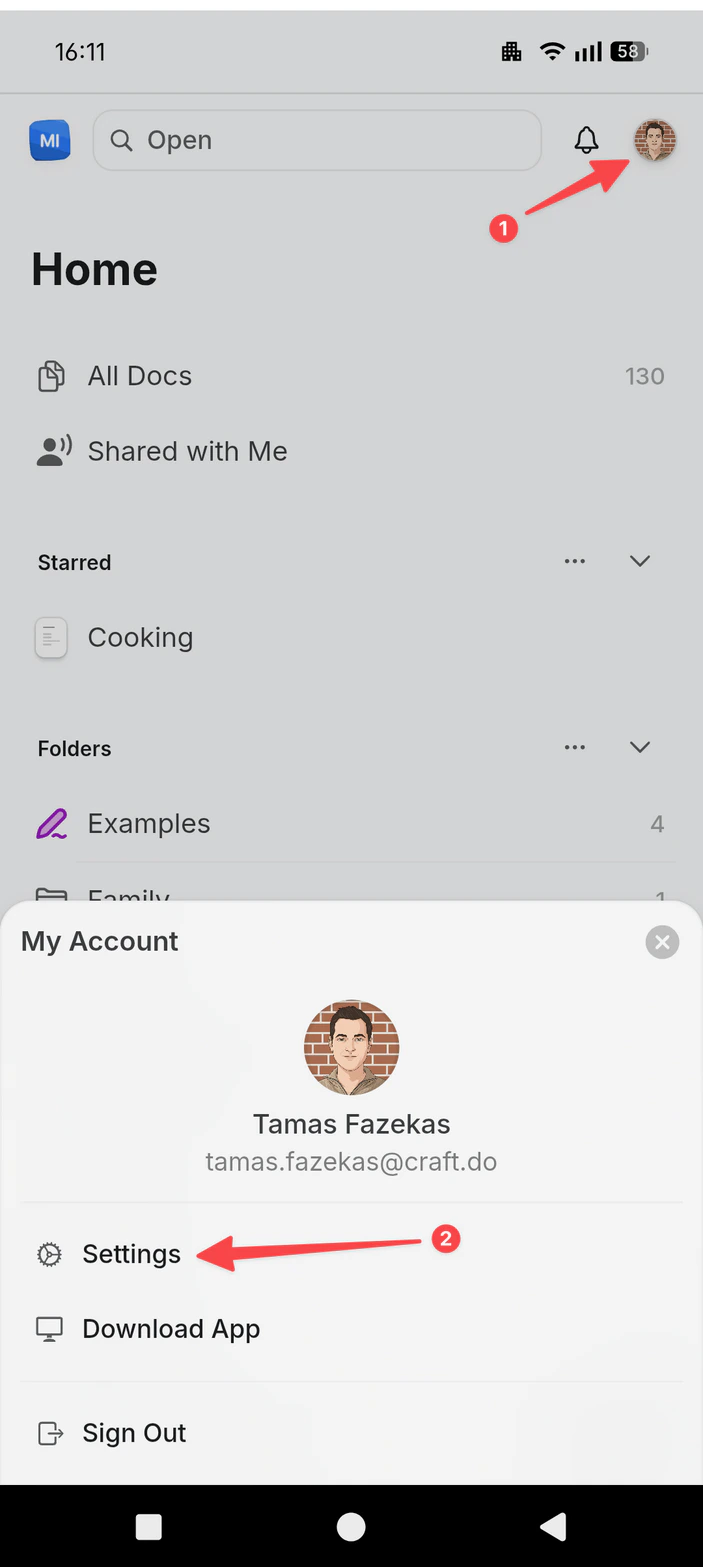
Tap your **profile picture** in the top-right corner.
Tap **Settings**.
Tap **Settings**.
Tap your **profile picture** in the top-right corner.
Tap **Settings**.
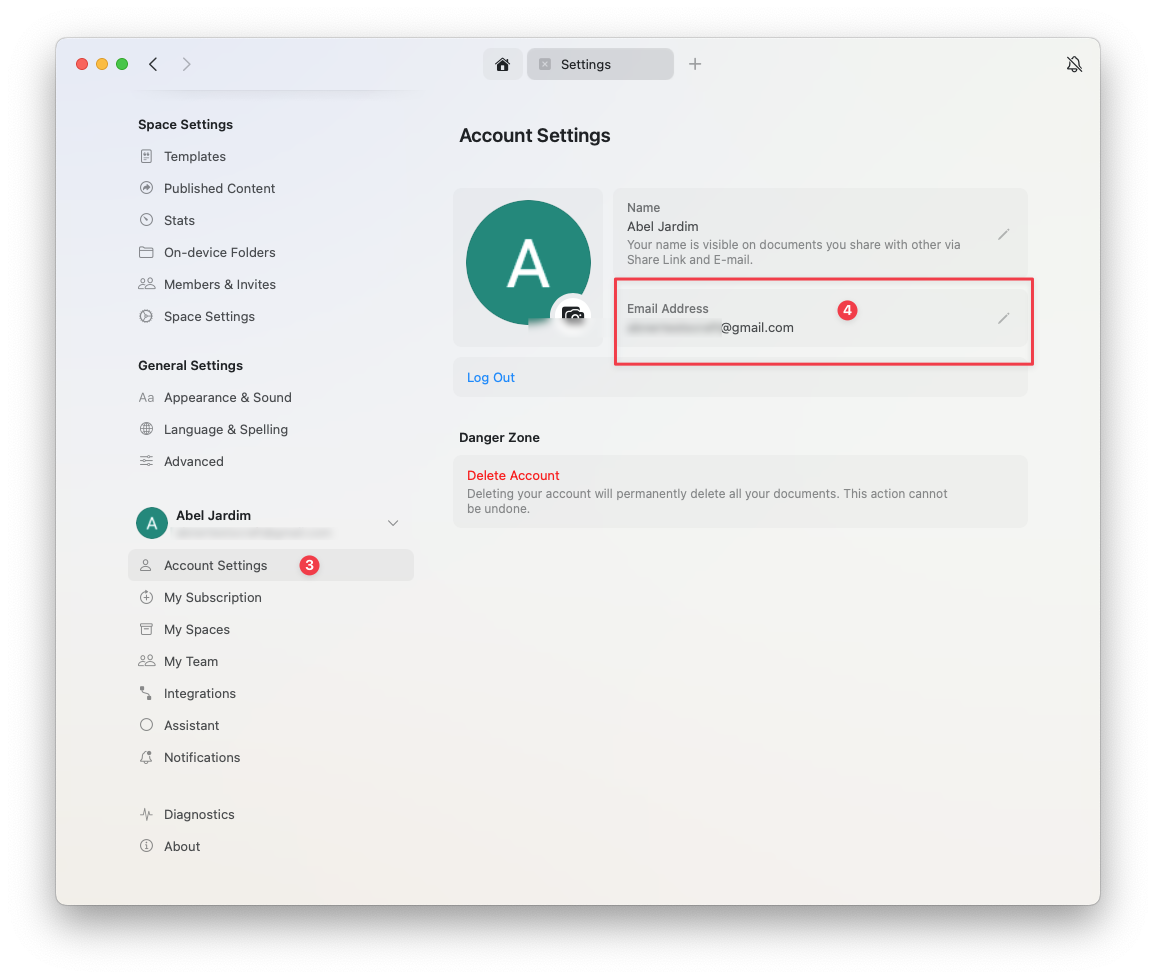
 Go to **Account Settings**
Click **Change Email** in the email field
Go to **Account Settings**
Click **Change Email** in the email field
 ## Unable to Change Email
You can only change your account email to an email address that doesn't currently have a Craft account.
### If the Email Is Already in Use
If you need to use an email that's associated with another Craft account:
Delete the account that uses the desired email address (go to **Settings** → **My Account** → **Delete Account**)
Once deleted, the email becomes available for use with your remaining account
Change the email in your active account (**Settings** → **My Account** → **Change Email**)
Deleting an account will permanently delete all documents in that account. Make sure to back up any important data before deletion.
## Unable to Change Email
You can only change your account email to an email address that doesn't currently have a Craft account.
### If the Email Is Already in Use
If you need to use an email that's associated with another Craft account:
Delete the account that uses the desired email address (go to **Settings** → **My Account** → **Delete Account**)
Once deleted, the email becomes available for use with your remaining account
Change the email in your active account (**Settings** → **My Account** → **Change Email**)
Deleting an account will permanently delete all documents in that account. Make sure to back up any important data before deletion.