> ## Documentation Index
> Fetch the complete documentation index at: https://craft-support.mintlify.site/llms.txt
> Use this file to discover all available pages before exploring further.
# Embedding Google Maps
> Embed interactive Google Maps links directly into your Craft documents.
You can easily embed a Google Maps link into your document by following these steps:
**Paste the Google Maps Link**
Copy the link from Google Maps and paste it into your Craft document as a card block.
**Access the Block Options**
On the left side of the block, click on the **three-dot menu (⋯)** to open the block options.
**Choose the Embed Option**
Select the **Embed** option from the menu. The Google Maps link will then convert into an embedded map block.
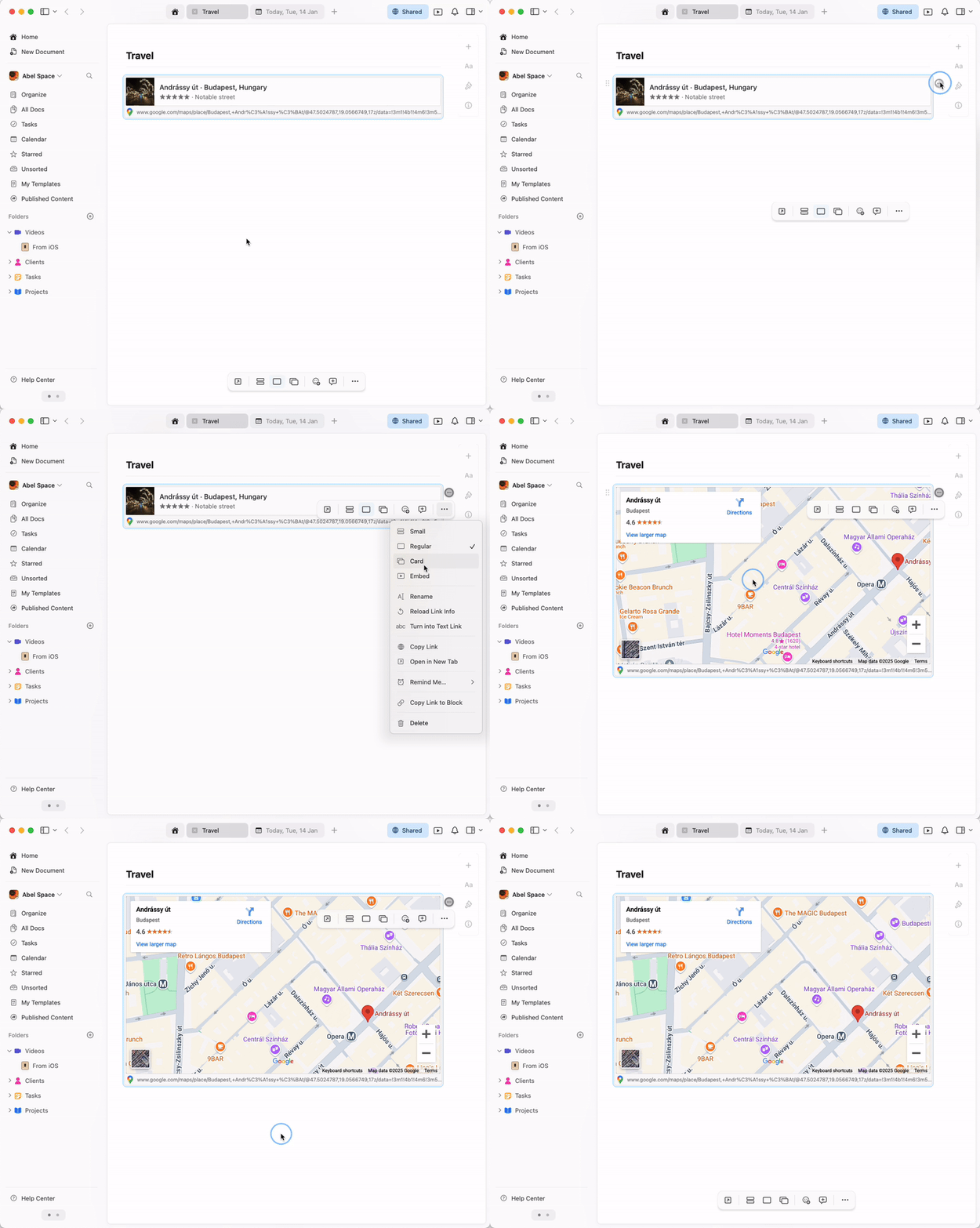 The embedded map is fully interactive – you can zoom, pan, and explore the location directly within your Craft document.