> ## Documentation Index
> Fetch the complete documentation index at: https://craft-support.mintlify.site/llms.txt
> Use this file to discover all available pages before exploring further.
# Inserting Emoji
> Add emoji to document titles and text blocks using standard emoji codes.
You can insert emoji anywhere in your documents, including document titles and any text block.
## Using Emoji Codes
Type a colon `:` followed by the first few letters of an emoji code. An emoji picker will appear, showing matching emoji that you can scroll through and select.
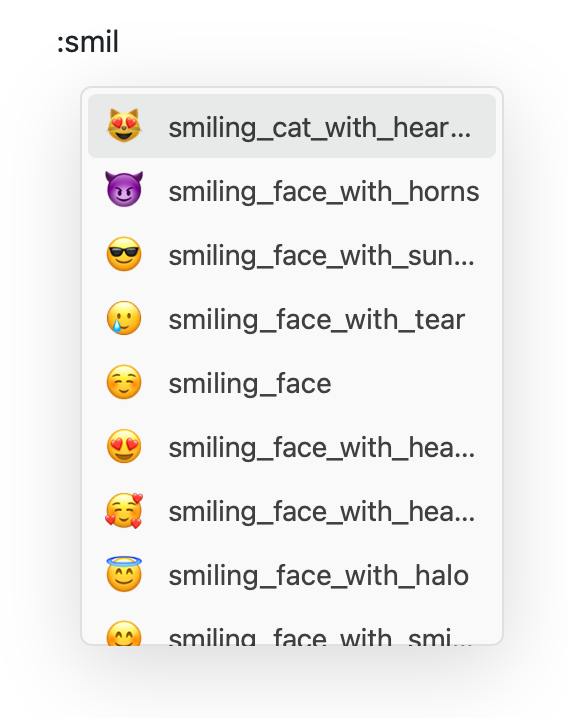 Craft supports [standard emoji codes](https://www.webfx.com/tools/emoji-cheat-sheet/) – just start typing the name and select from the list.
The emoji picker filters as you type, making it easy to find exactly what you're looking for without memorizing codes.
Craft supports [standard emoji codes](https://www.webfx.com/tools/emoji-cheat-sheet/) – just start typing the name and select from the list.
The emoji picker filters as you type, making it easy to find exactly what you're looking for without memorizing codes.