Your Craft account name is how others see you when you share documents or collaborate in spaces. You can update it anytime from your account settings.
Change Your Account Name
Mac
Web / Windows
iOS
Android
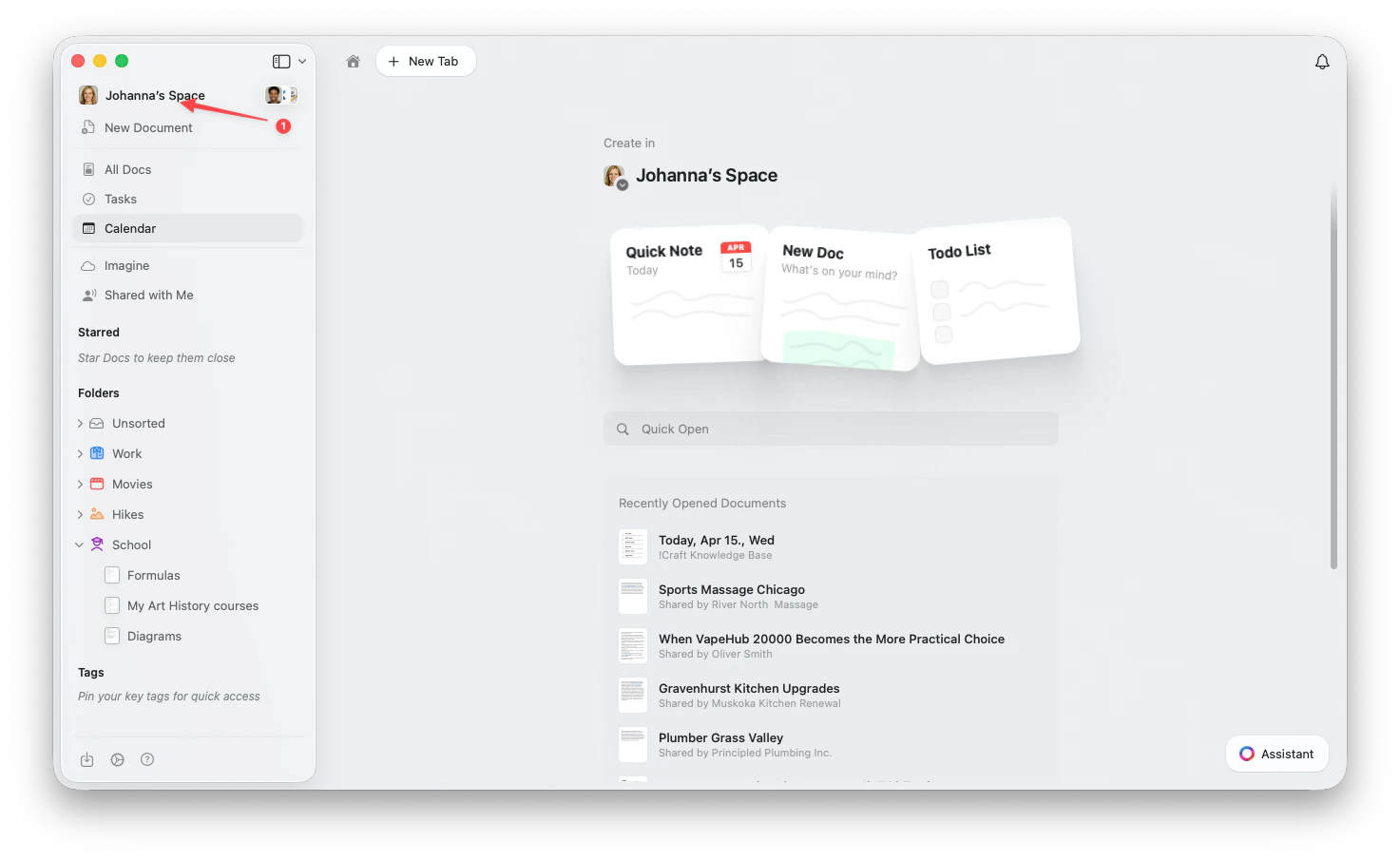
Click the Space name at the top of the sidebar to open Settings. Open the Space dropdown
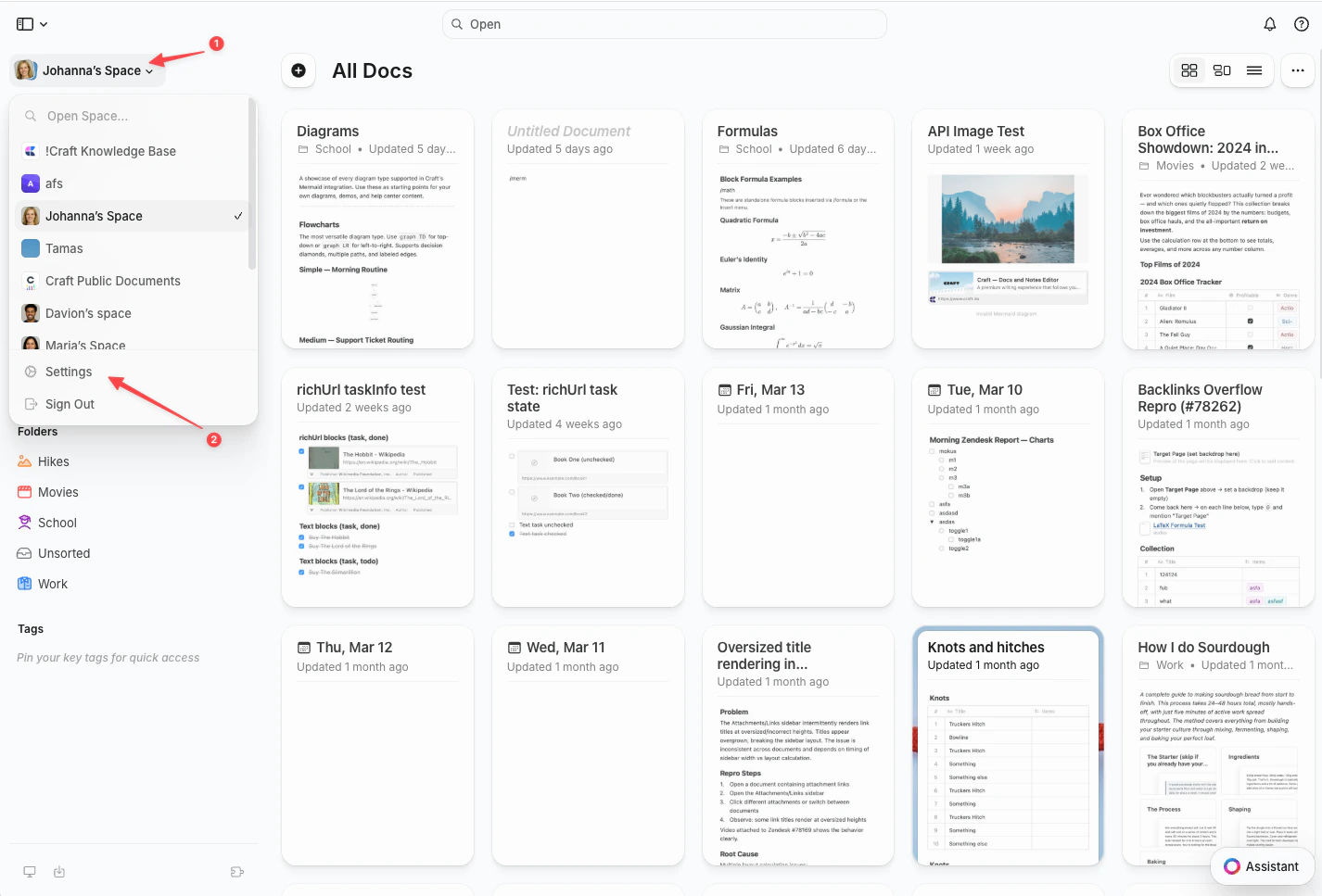
Click the Space name in the top-left corner.
Select Settings
Click Settings at the bottom of the dropdown. Tap the Space icon
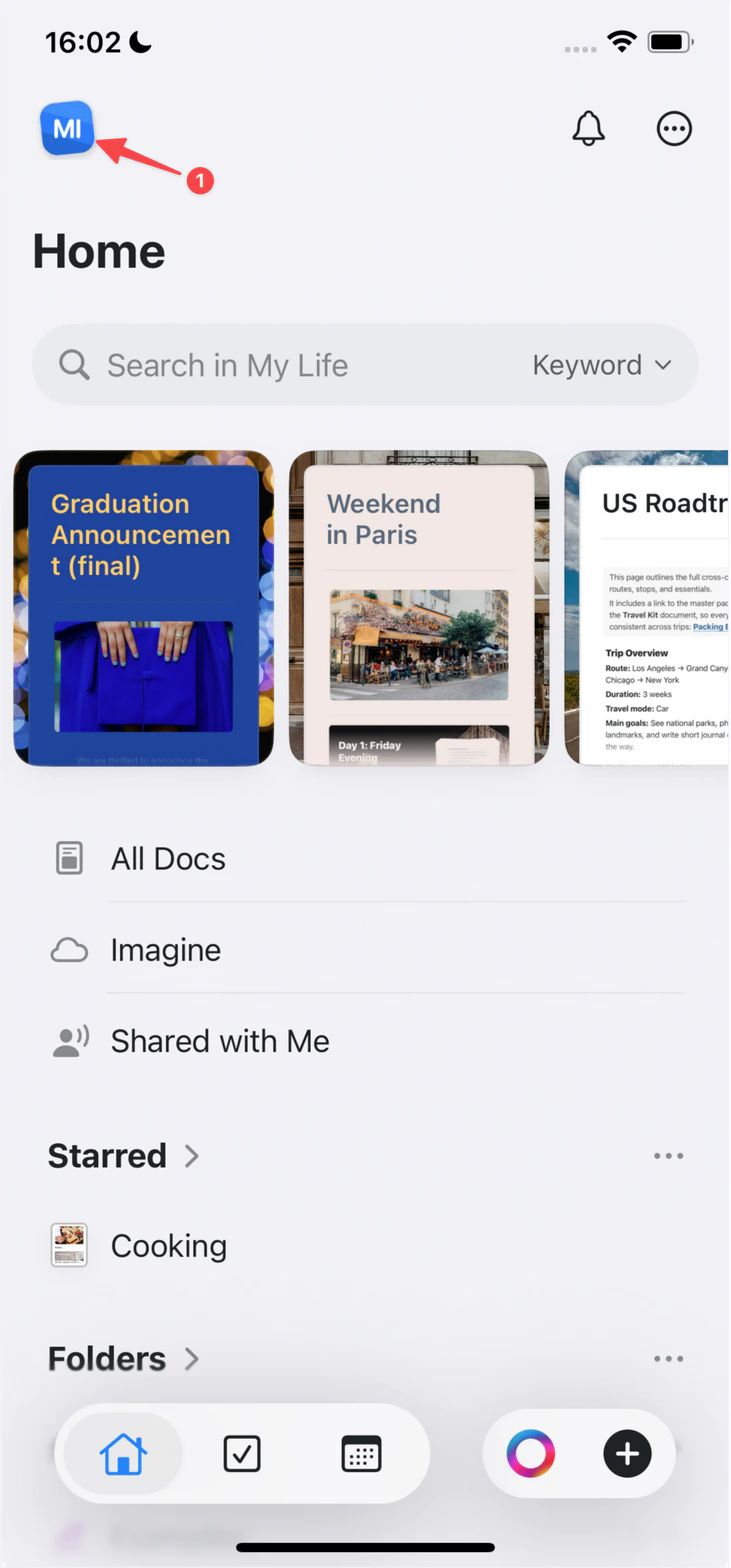
Tap the Space icon in the top-left corner. Open Settings
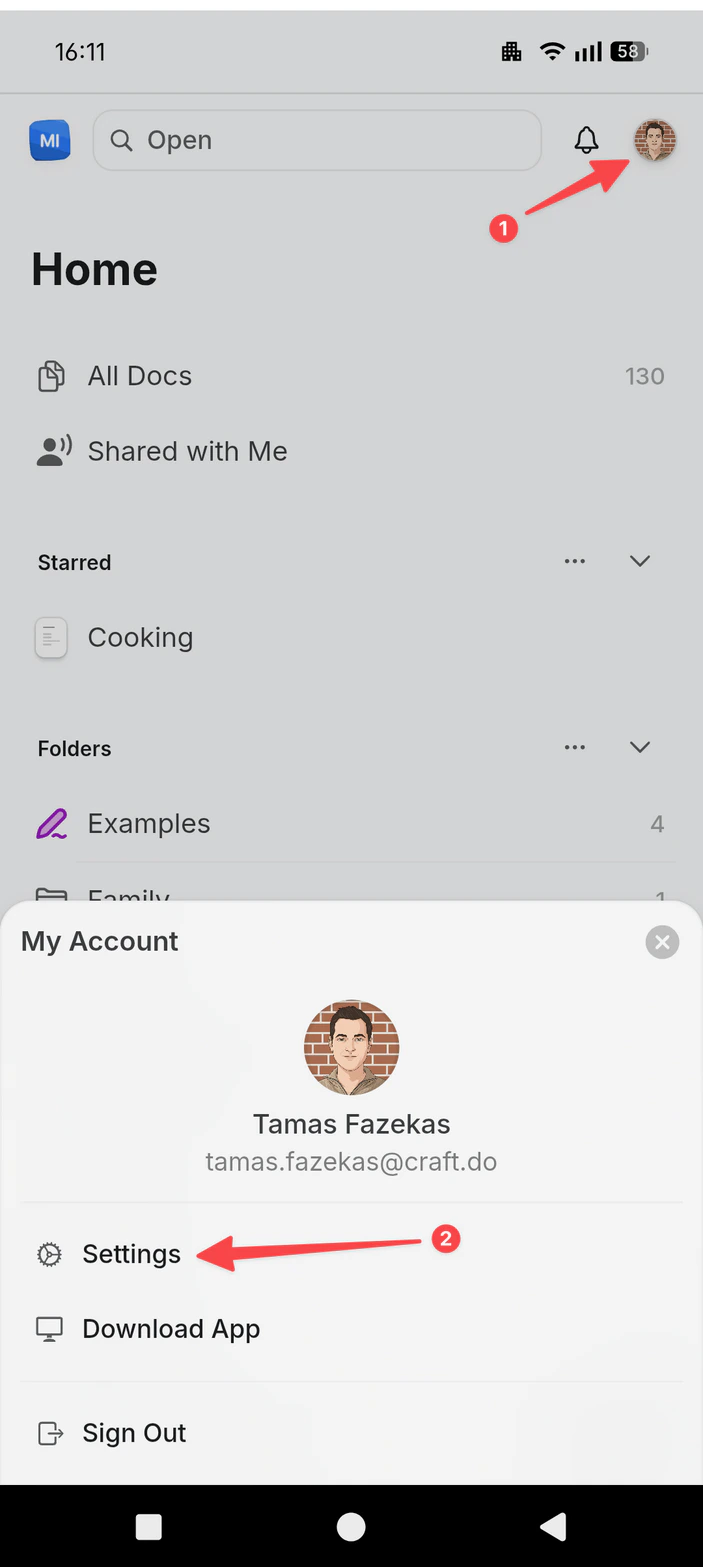
Tap Settings.
Tap your profile picture
Tap your profile picture in the top-right corner.
This change only affects your account name. Your email address and team/space names are managed separately.