

Change Your Email
- Mac
- Web / Windows
- iOS
- Android
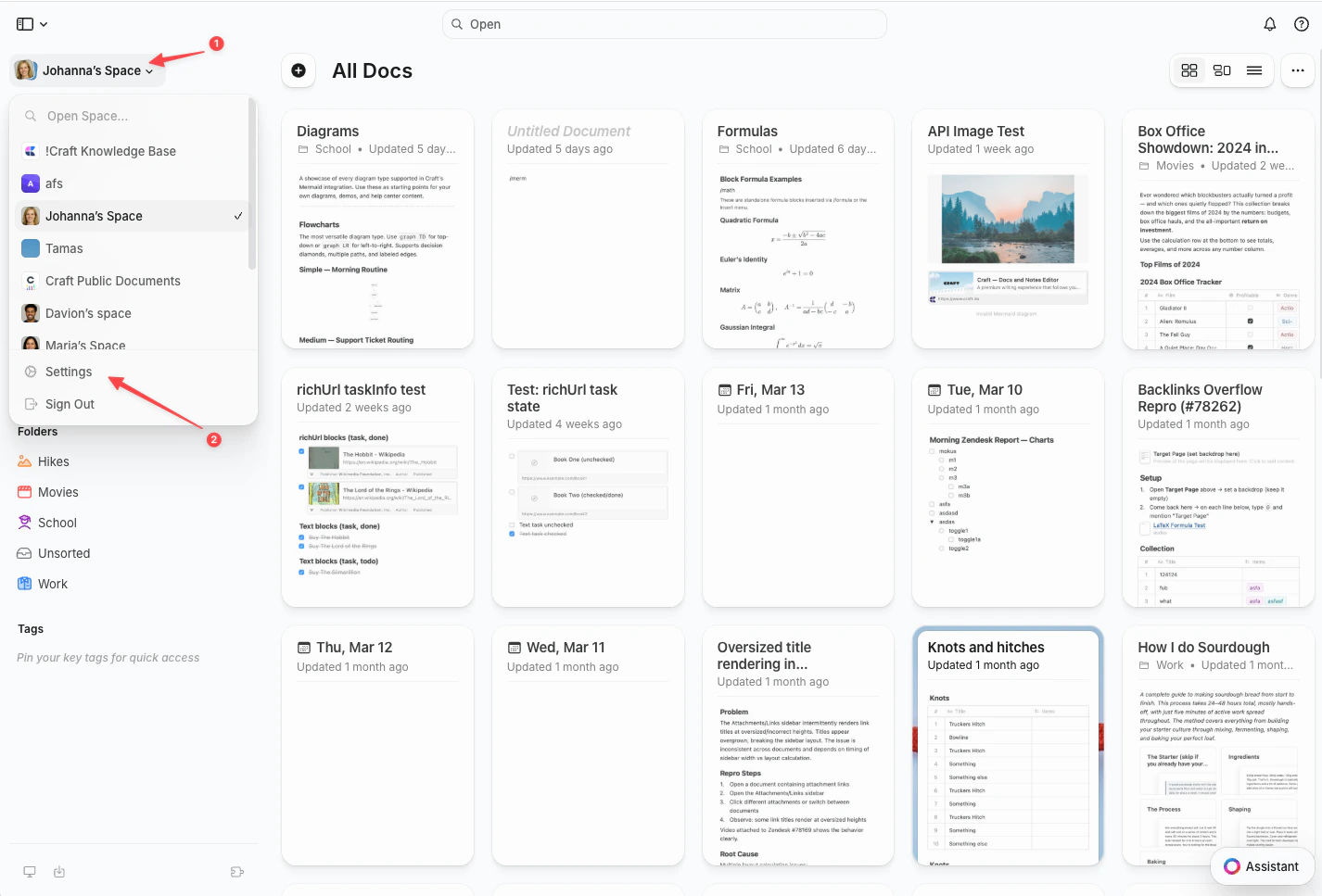
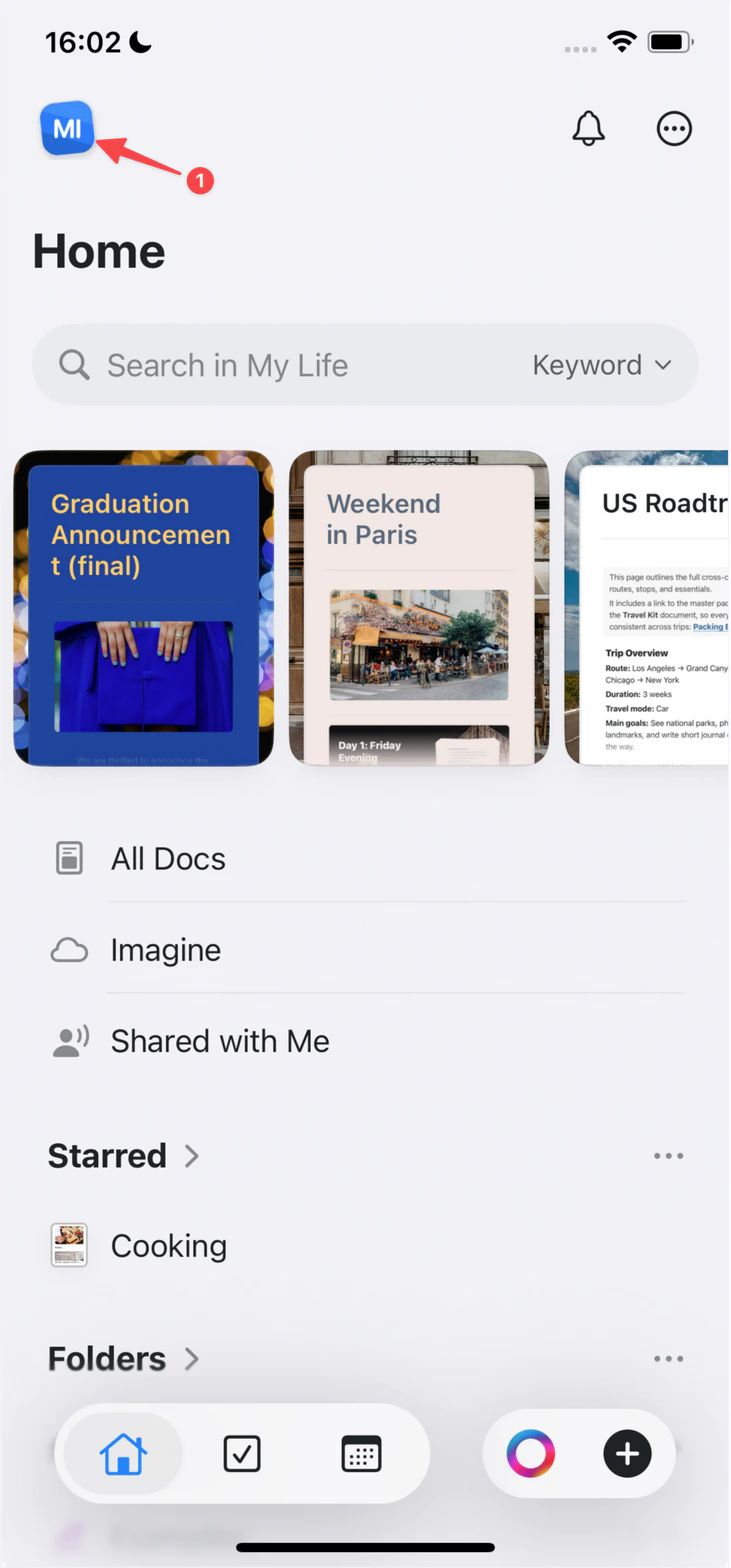
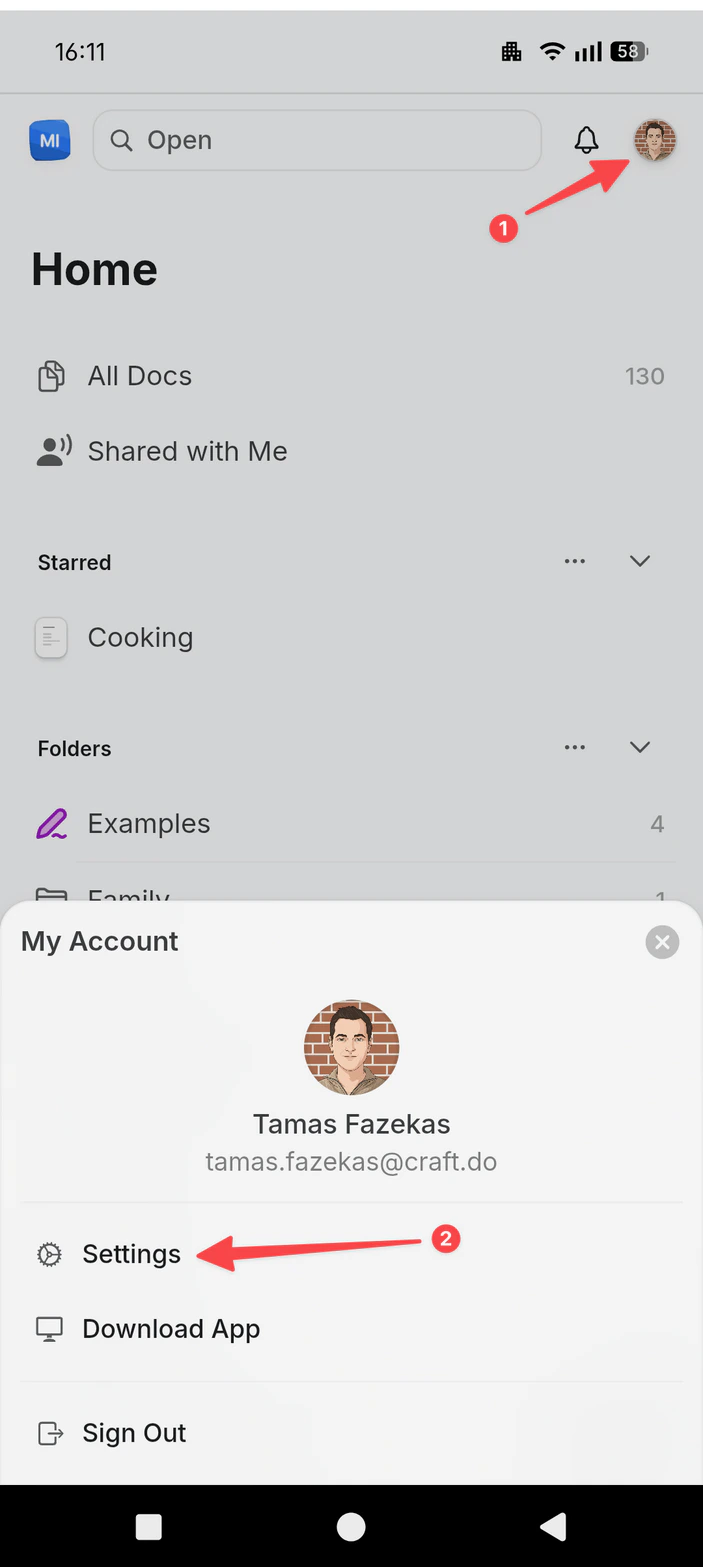
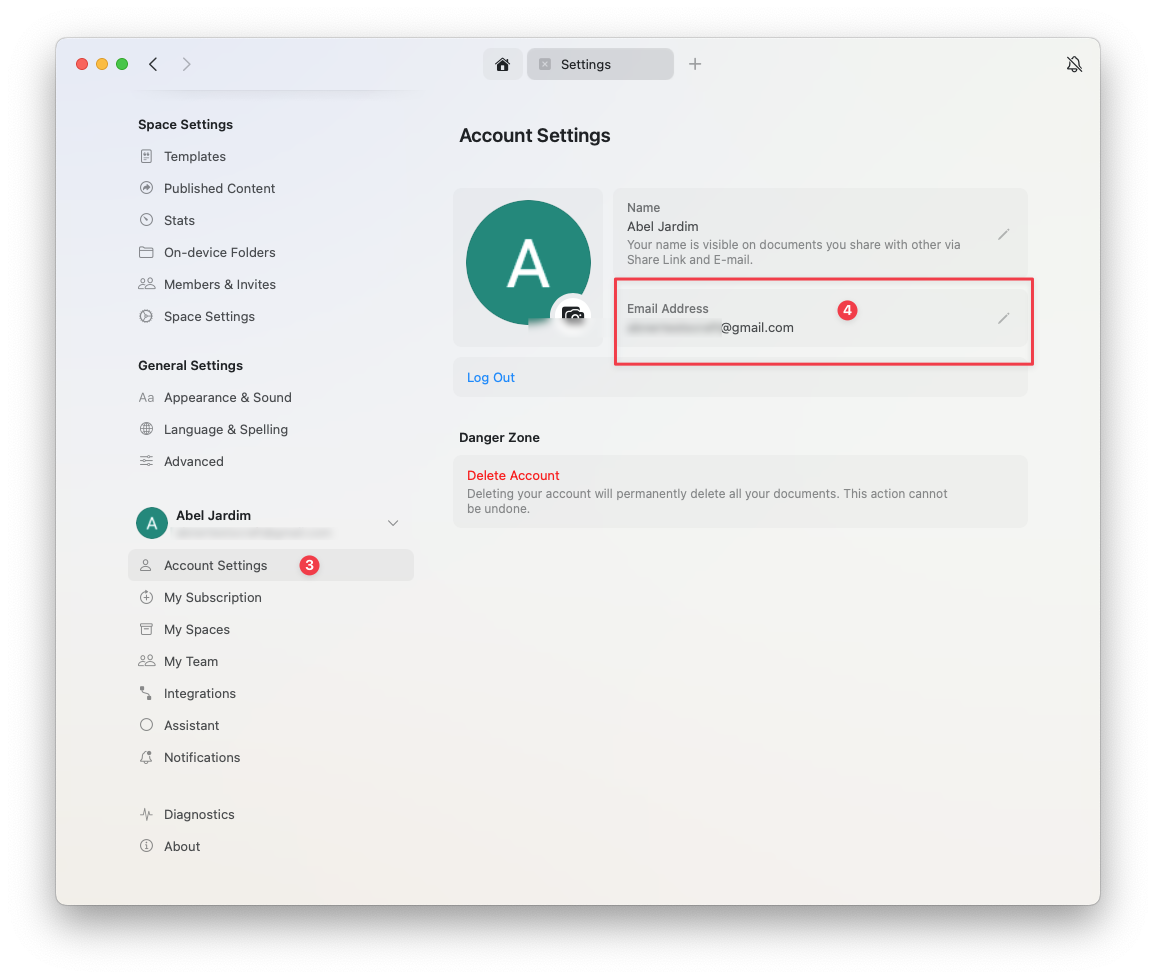
Click the Space name at the top of the sidebar to open Settings.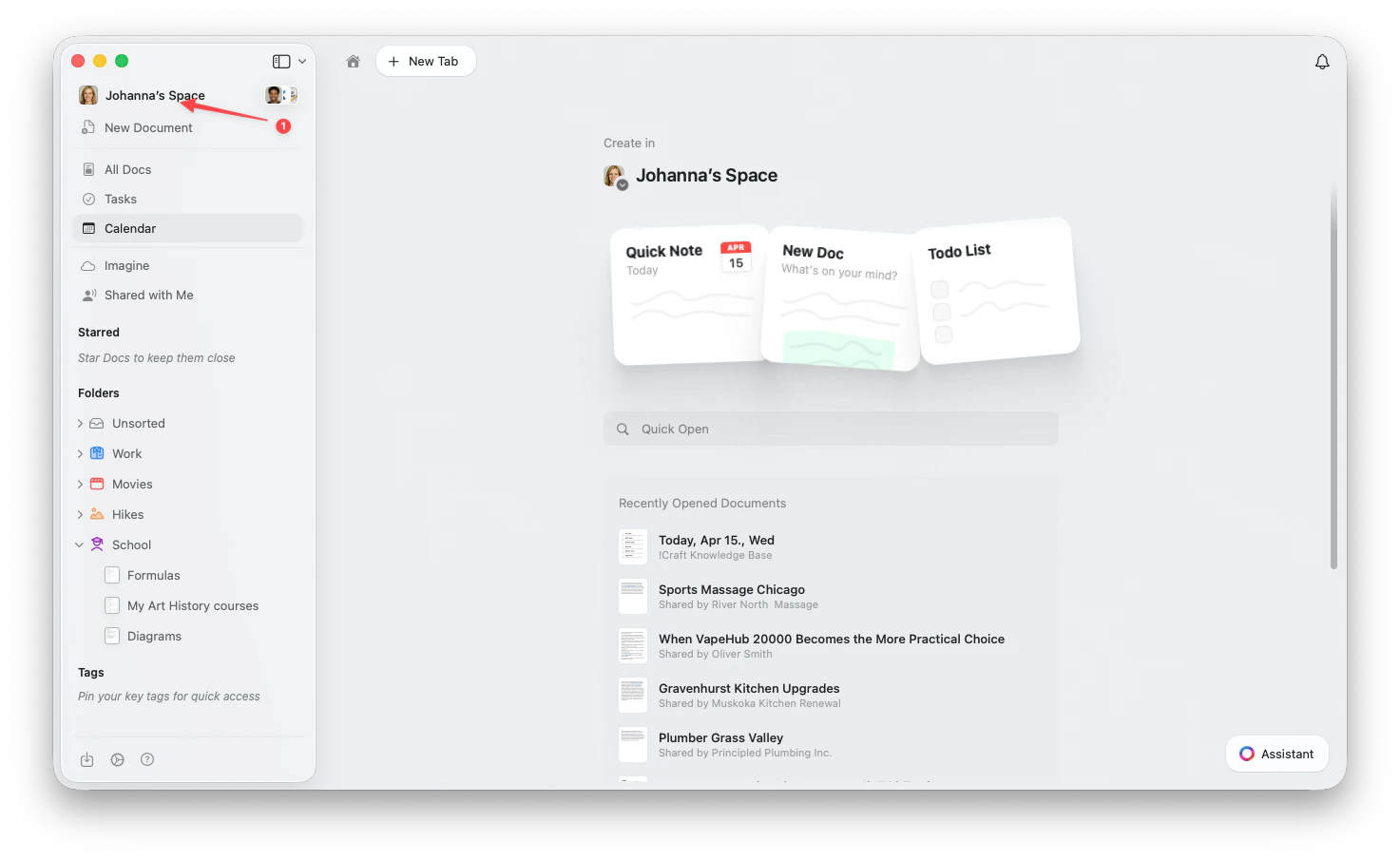
1
Go to Account Settings
2
Click Change Email in the email field
Unable to Change Email
If the Email Is Already in Use
If you need to use an email that’s associated with another Craft account:1
Delete the account that uses the desired email address (go to Settings → My Account → Delete Account)
2
Once deleted, the email becomes available for use with your remaining account
3
Change the email in your active account (Settings → My Account → Change Email)
Deleting an account will permanently delete all documents in that account. Make sure to back up any important data before deletion.