

If you subscribed through the App Store, payment methods are managed through your Apple ID settings. Visit Apple’s subscription management page to update your payment information.
Update Your Payment Method
1
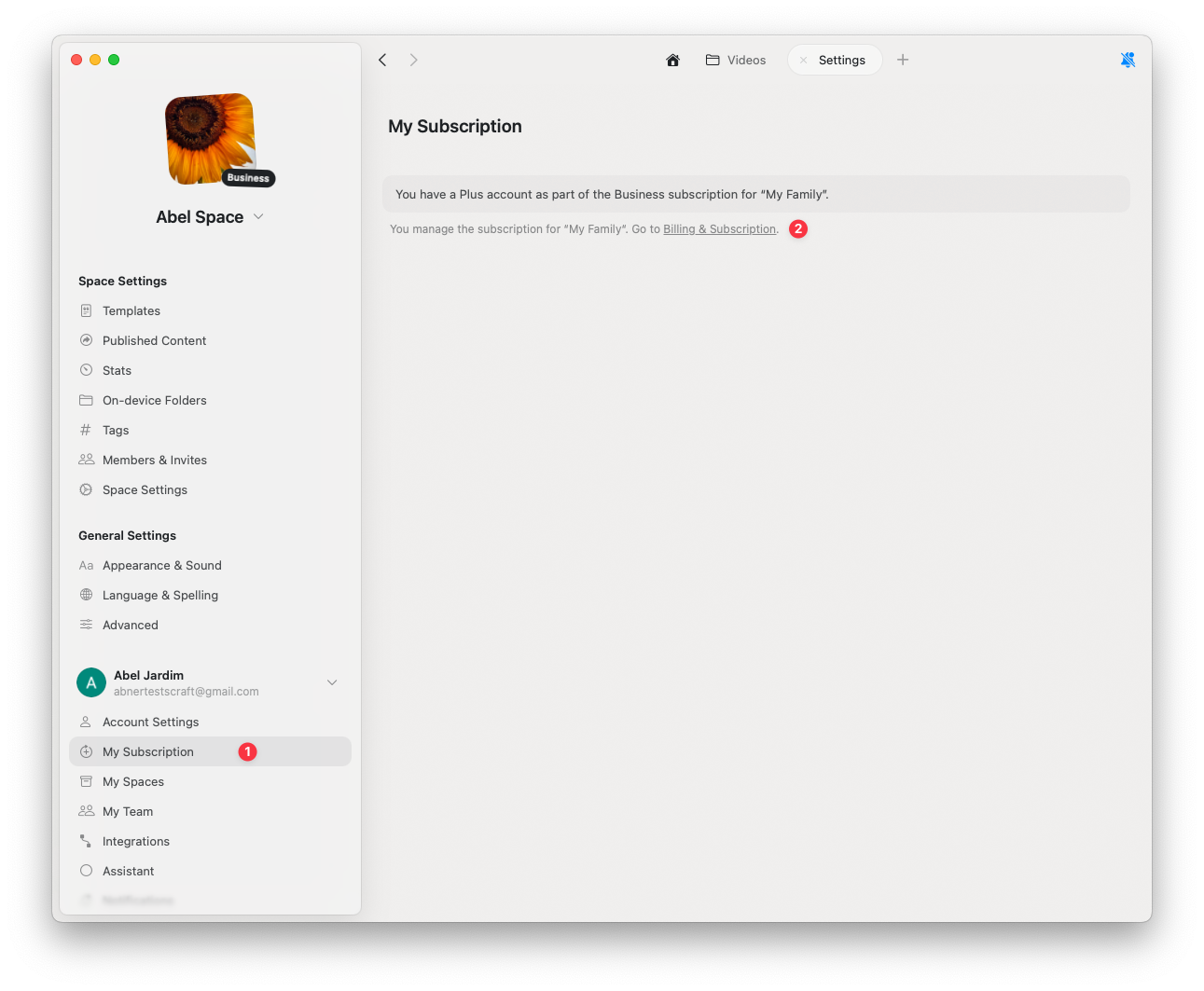
Go to Settings
2
Click My Subscription
3
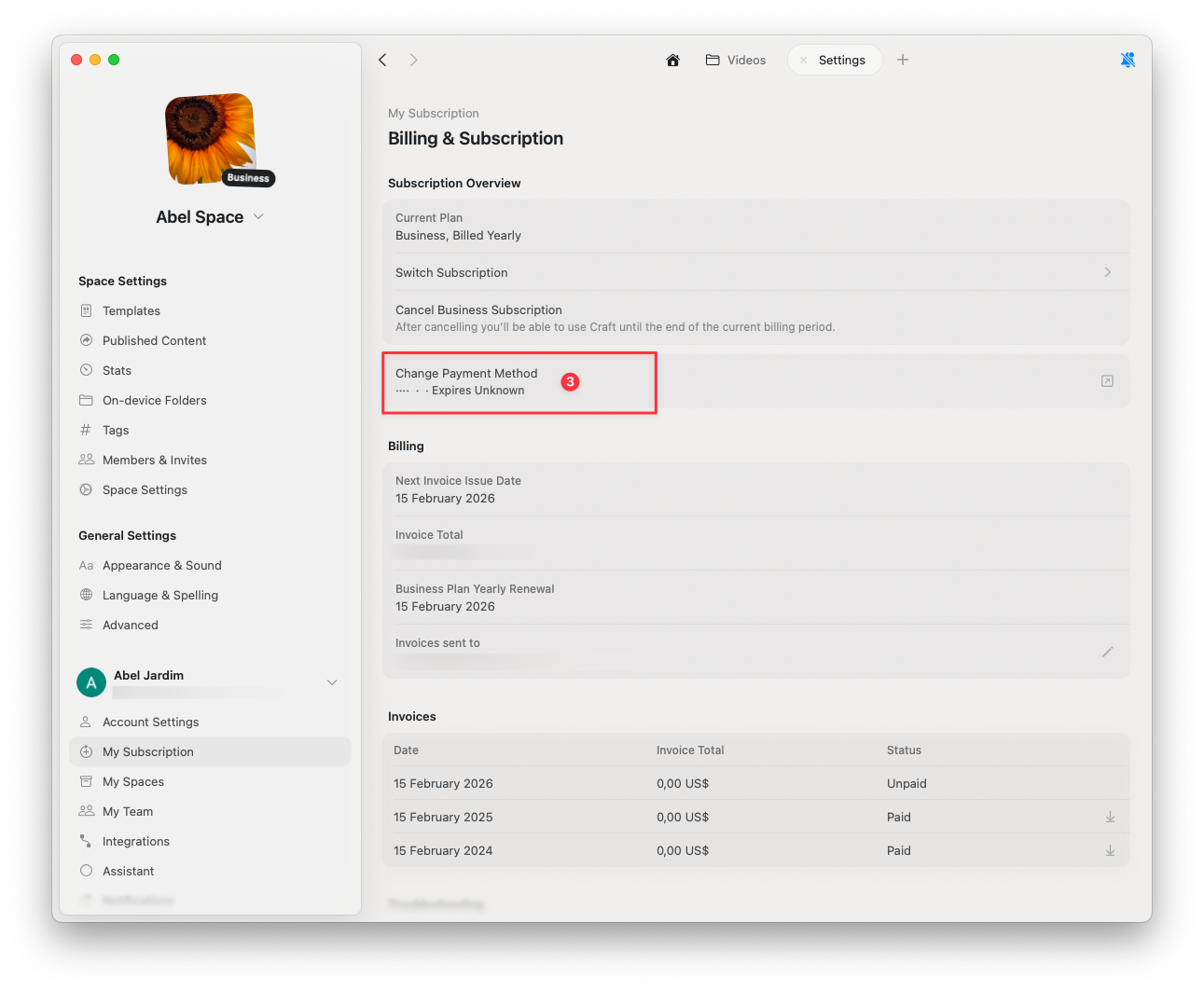
Click Billing & Subscription
1
Select Change Payment Method
2
Enter your updated payment information in the secure browser page
Related Articles
Payment Methods Guide
Learn about Stripe, Paddle, and App Store payments
Cancel Subscription
Cancel your Craft subscription while keeping all your data
VAT Information
Add VAT details to your billing receipts