

Credit amounts by plan
| Plan | Credits Included | Notes |
|---|---|---|
| Free | 15 lifetime | |
| Plus Monthly | 50 per month | |
| Plus Yearly | 500 per year | |
| Family Monthly | 100 per month (team) | Owner receives an additional 50 per month |
| Family Yearly | 1000 per year (team) | Owner receives an additional 500 per year |
| Team Monthly | 300 per month (team) | Owner receives an additional 50 per month |
| Team Yearly | 3000 per year (team) | Owner receives an additional 500 per year |
| Education | 15 lifetime | |
| Legacy Pro Monthly | 30 per month | |
| Legacy Pro Yearly | 300 per year | |
| On-device models | Free | Never use credits |
| Setapp | 25 per month |
Typical usage
Based on testing, 50 credits runs approximately:- 1,000 Core model queries
- 100 Fast model queries
- 30 Max model queries
These numbers are averages and depend on prompt complexity, document length, and context size.
Editing and credits
Editing tasks use more credits than read-only conversations because the Assistant performs multiple steps: reading your document, planning changes, and applying edits. Exact usage depends on document size and change complexity. Use Fast for simpler edits to conserve credits. Only Fast and Max support editing. See Editing with Craft Assistant for more details.Purchasing additional credits
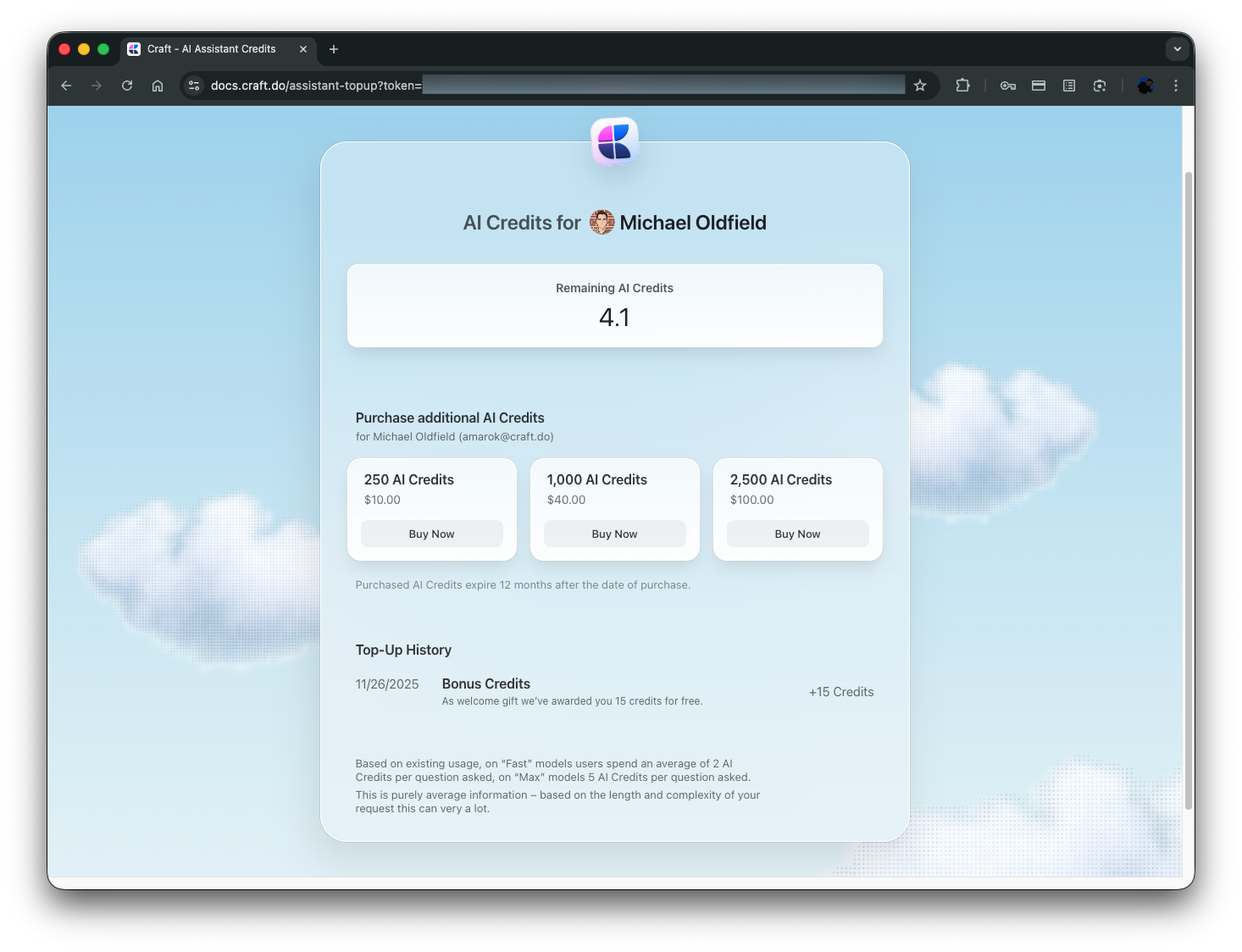
You can buy additional AI credit packs if you need more than what your plan includes.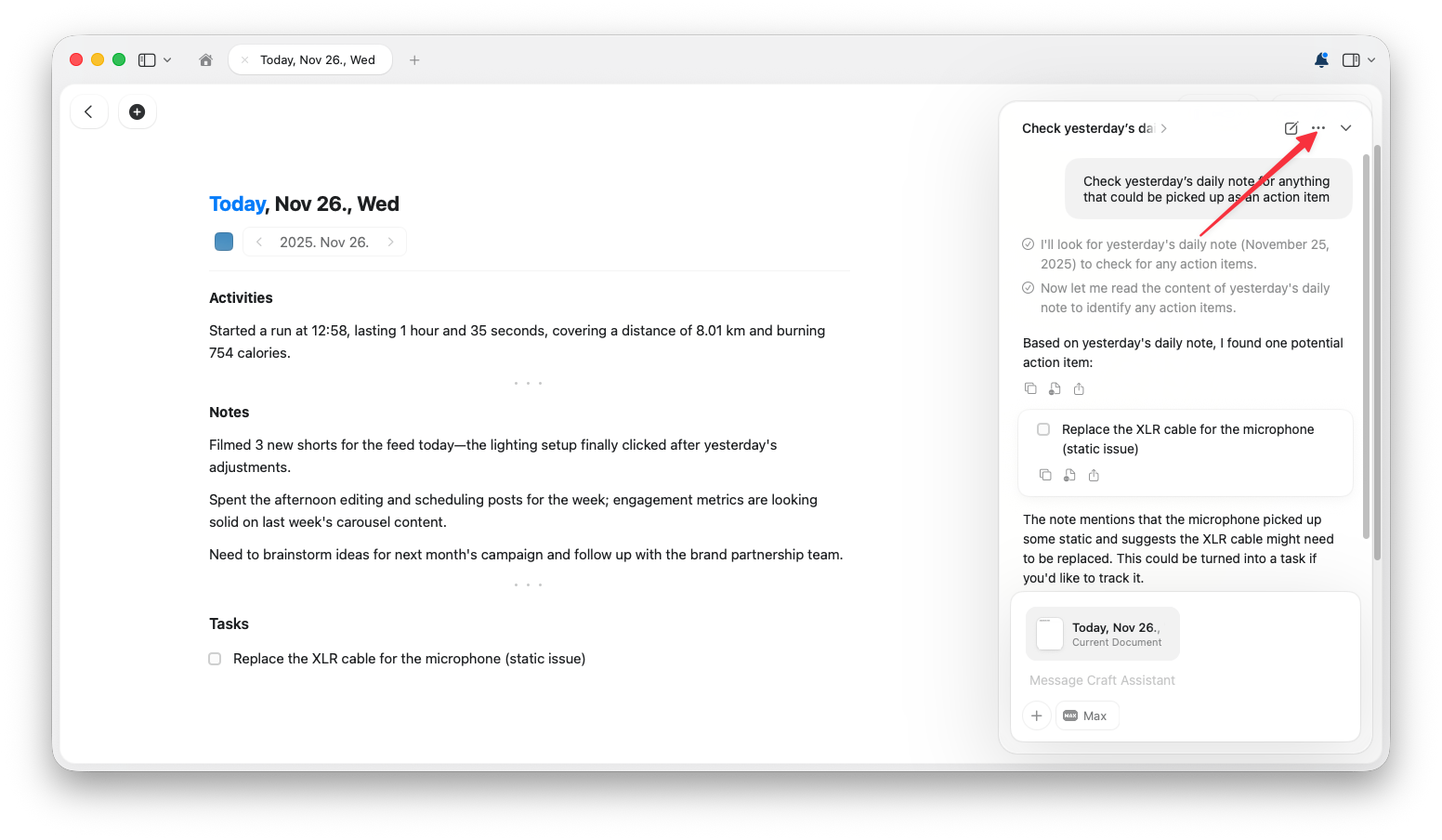
Available credit packs
- 250 credits for $10
- 1,000 credits for $40
- 2,500 credits for $100
Checking your balance
Open the Assistant panel, click the three-dot menu, then choose View Credits.Credit renewal
- Monthly plans: Credits refresh each billing month
- Yearly plans: Credits refresh each billing year
- Unused included credits do not roll over
Free alternatives
If you want to use AI without consuming Craft credits:- On-device models: Available on Mac, iPad, and iPhone
- MCP and API: Connect your own ChatGPT or Claude subscription
Related Articles
Choosing AI Models
Select the right model to optimize credit usage
Using Craft Assistant
Learn how to work with the Assistant
Editing with Craft Assistant
Understand how editing affects credit usage