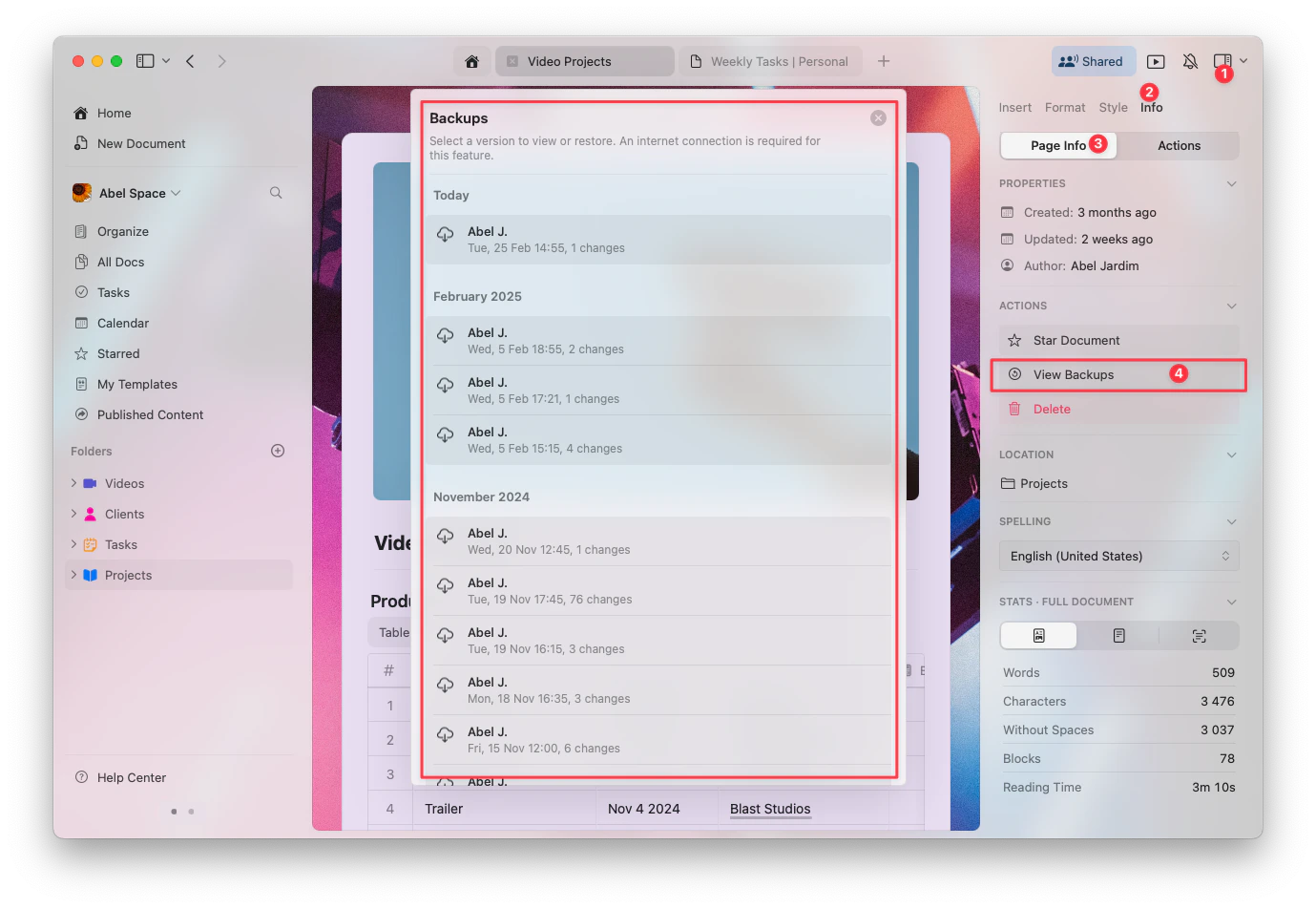
Track changes, restore previous versions, and manage document history.
Craft automatically creates backups of your documents, allowing you to restore previous versions if needed. This feature ensures that you can recover your content in case of accidental changes or deletions.
Craft creates automatic snapshots of your documents while you’re actively making changes.
Automatic backups every hour: A snapshot is created every 60 minutes while you’re actively editing
Timer-based: After you make an edit, the system starts a timer. If you continue making changes, a snapshot is automatically saved once one hour has passed
Continuous tracking: The process repeats as long as you keep editing – new snapshots are created every hour
Craft creates a snapshot every 60 minutes while you’re actively making changes. If you didn’t continue editing the document for a full hour, a backup may not have been created.For example, if you made quick edits and closed the document within a few minutes, no backup would have been saved.
Version history is only created when there are active changes to a document. If you only viewed the document or made minor changes that didn’t meet the system’s threshold, a new version may not have been saved.
If the document is new and hasn’t been edited for at least 60 minutes, there may not be any saved versions yet. The first backup will only occur after one hour of continued editing.
If the entire document or space was deleted, version history will no longer be available unless restored from Recently Deleted within the allowed timeframe.
Version history might not display correctly if there was an interruption in syncing between devices. Check your internet connection and make sure Craft is up to date to avoid potential syncing problems.
If you still can’t find a version, verify your subscription plan to ensure your retention period covers the timeframe you need. Contact support if you suspect an issue with syncing or backups.
Was this page helpful?
⌘I
Assistant
Responses are generated using AI and may contain mistakes.