

1
Paste the Google Maps LinkCopy the link from Google Maps and paste it into your Craft document as a card block.
2
Access the Block OptionsOn the left side of the block, click on the three-dot menu (⋯) to open the block options.
3
Choose the Embed OptionSelect the Embed option from the menu. The Google Maps link will then convert into an embedded map block.
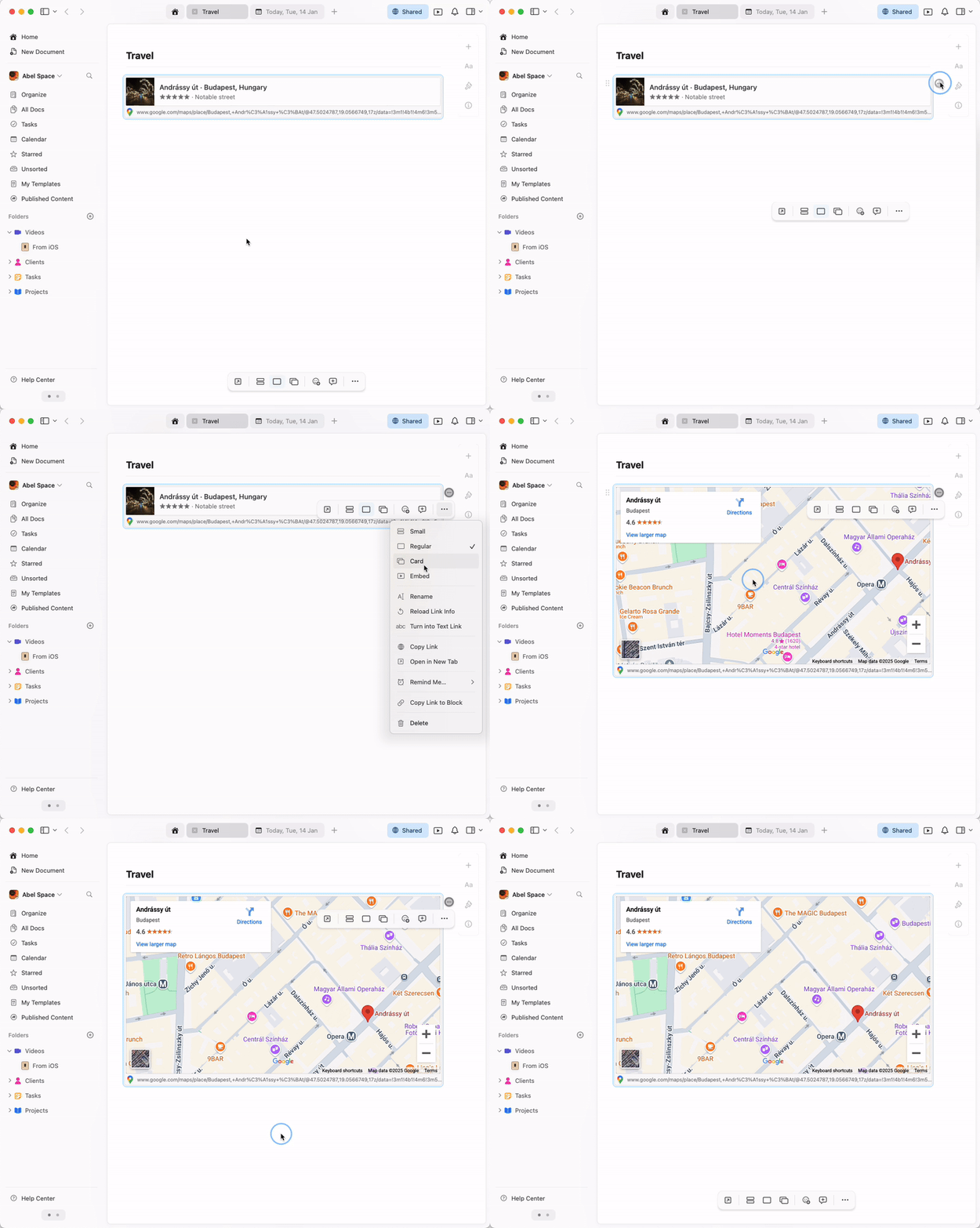
The embedded map is fully interactive – you can zoom, pan, and explore the location directly within your Craft document.