

How to Delete
- macOS
- Windows
- Web
- iOS
1
Select the block you want to delete
2
Press Delete or Backspace
- Hold Shift and click to select a range
- Or drag your cursor across multiple blocks
-
Then press Delete
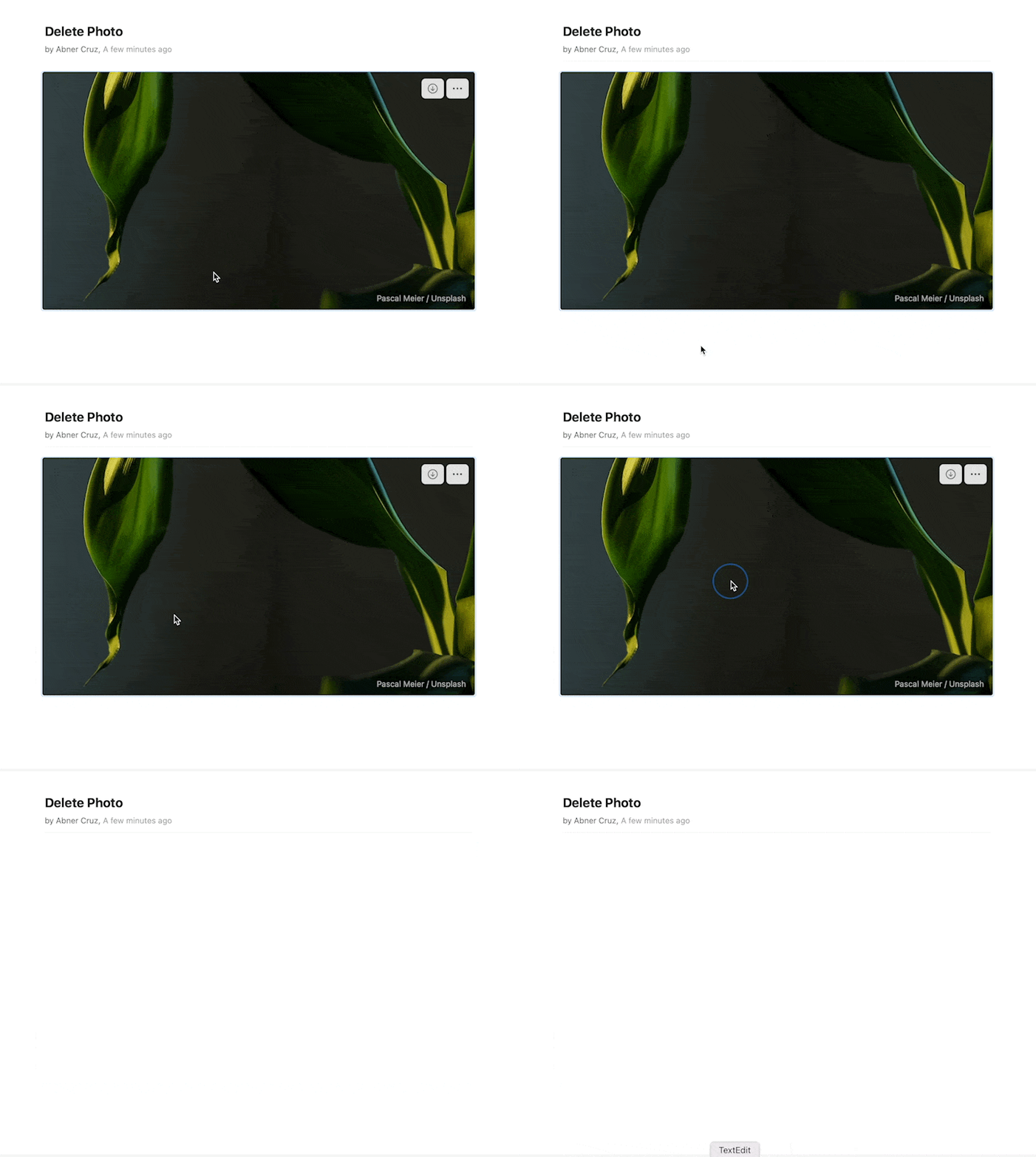

Deleting blocks works the same way for all content types – text, images, media, tables, and more.