

Accessing Find and Replace
- macOS
- iPad
- iPhone
- Windows
- Web
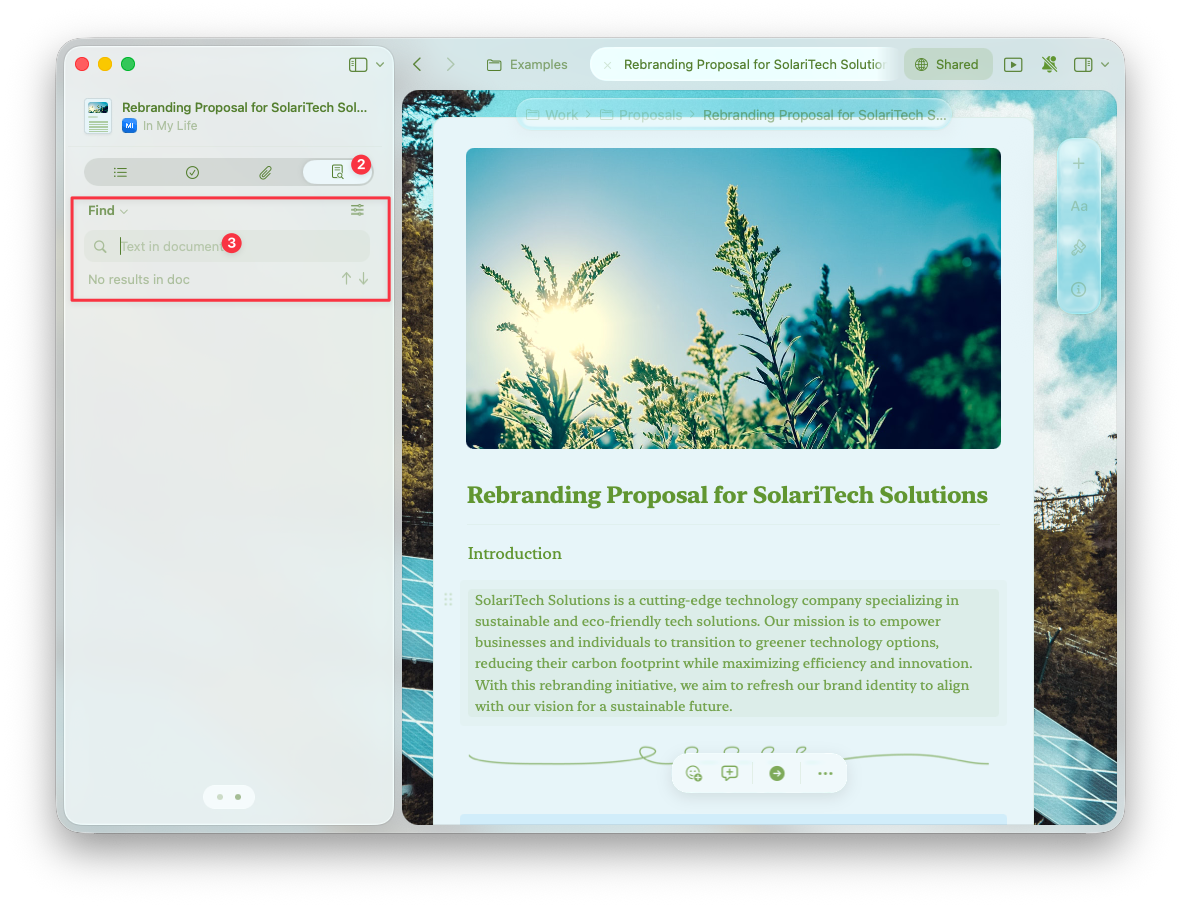
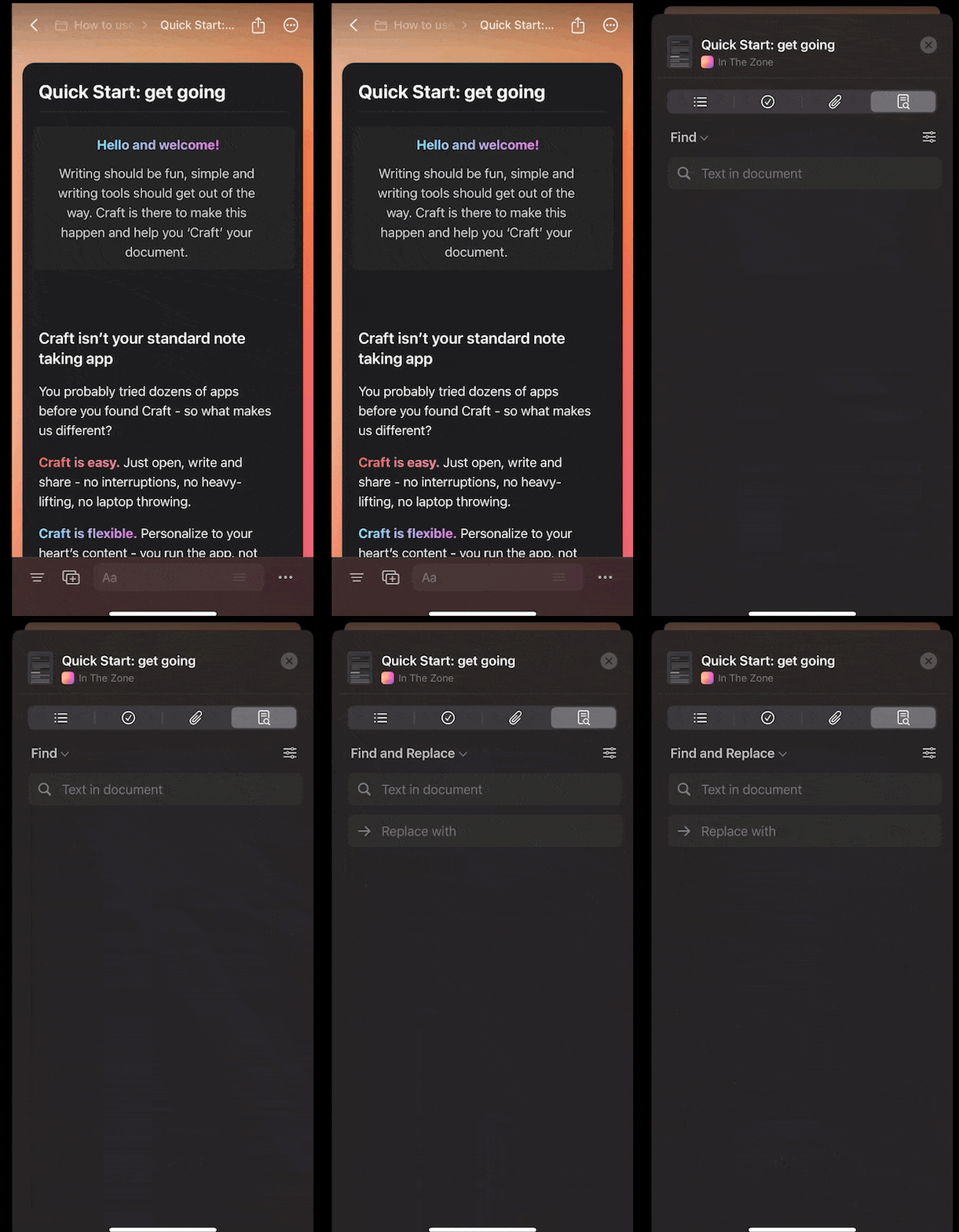
While editing a document, open the right sidebar and look for the Find and Replace panel.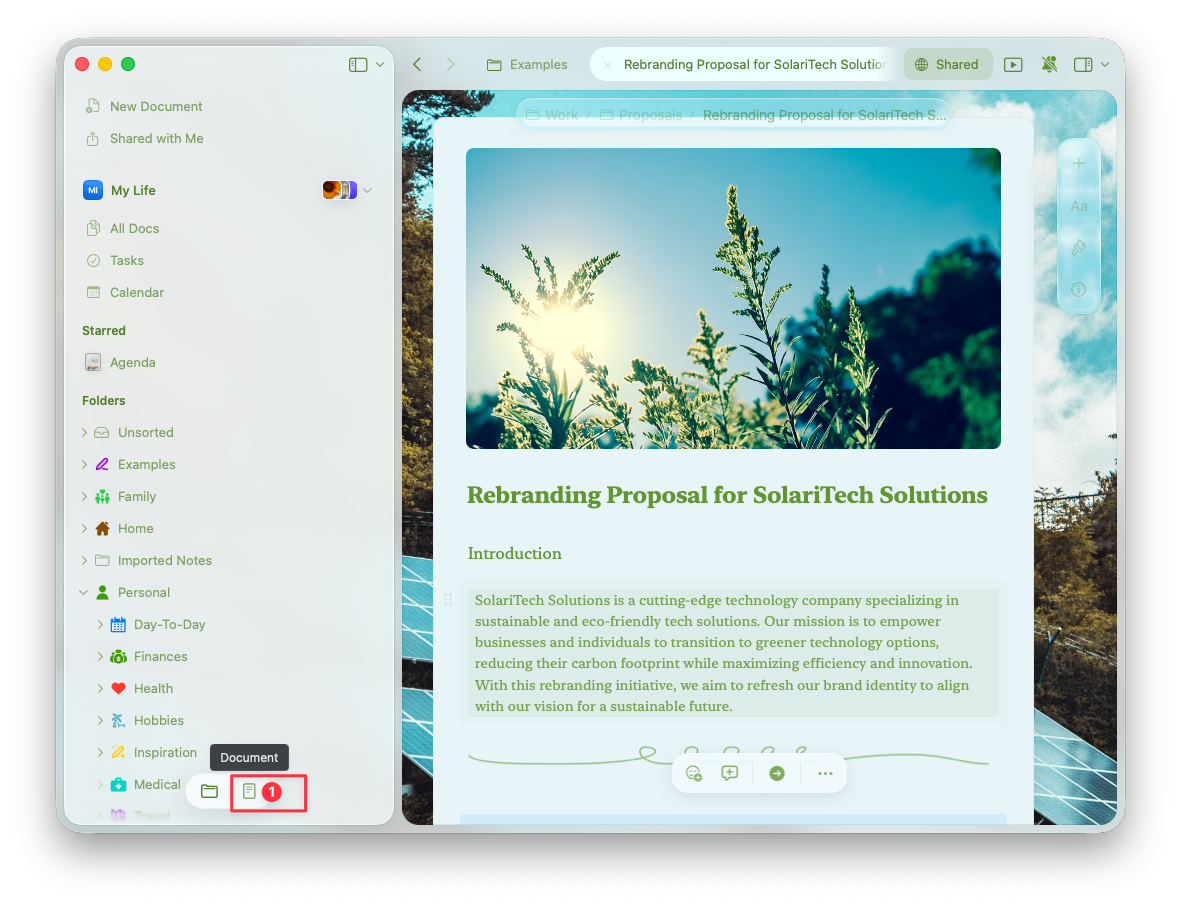
Features and Scope
- macOS
- iOS
- Windows
- Web
The Find and Replace tool searches across:
- The main document content
- All subpages within the document
- Tables and embedded content